
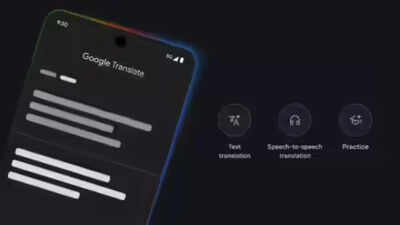
Breaking down language barriers has always been one of the toughest parts of travel, shopping abroad, or even everyday family conversations in multilingual households. While typing short lines into translation apps can help, it often slows down the flow of communication and makes conversations feel stilted.
That’s where Google Translate’s Conversation Mode comes in — turning your phone into a live interpreter that lets two people speak naturally in their own languages while the app instantly translates. Instead of struggling with keyboards or pausing to retype phrases, you can simply talk, listen, and keep the conversation moving. This feature is especially valuable in multilingual India, where many people can speak but may not type confidently in another language, making real-time spoken translation a practical solution for smoother interactions.
What it solves
* Enables fluid conversations across languages during travel, shopping, family discussions, or quick help-seeking situations.* Removes the need for typing, making communication faster and more natural.* Helps in multilingual settings where spoken fluency is stronger than typing skills.
What to do
Instead of typing translations line by line, switch to Conversation Mode in Google Translate. This lets both speakers talk freely while the app interprets instantly.
How to use Google Translate as live interpreter1. Open the Google Translate app.2. Select the two languages for the conversation.3. Tap Live Translate or Conversation Mode.4. Let each person speak naturally into the phone.5. Replay or read the translated text if either side misses something.
Note
Whether you’re navigating a busy market, asking for directions, or having a family chat across languages, Google Translate’s live interpreter mode makes communication seamless, natural, and stress-free. It’s a simple hack that can transform everyday interactions into smoother, more connected conversations.